
Turn saved references into thumbnails people actually click.
Keep winning inspirations, recurring faces, and clear creative direction in one workflow, then generate multiple YouTube-ready routes without rebuilding each thumbnail by hand.
Draft · 1280×720 · 4 routes
270+
Creator
1,263+
Inspiration saved
3,788+
Thumbnail generated
Start from the references already working in your niche.
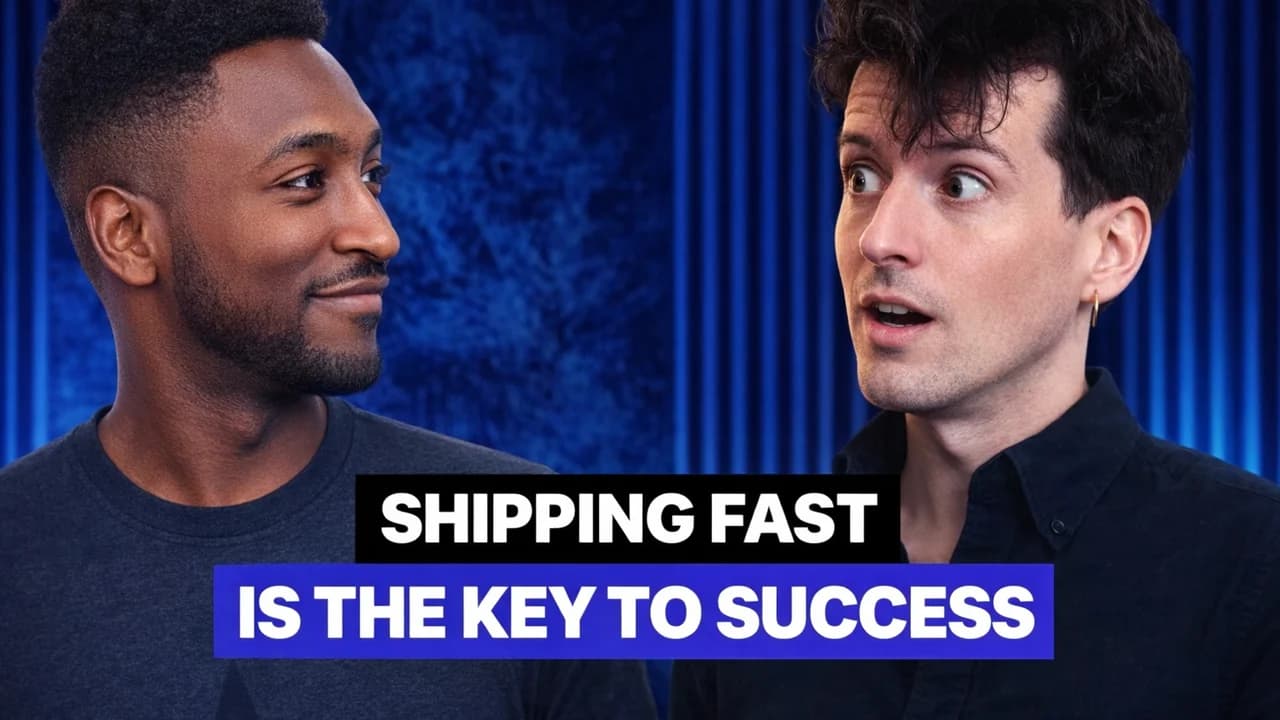
Import existing thumbnails, screenshots, or source visuals, then push them toward a clearer, more clickable direction without starting from zero.
Source visual

Useful reference, not final thumbnail
Bring in an existing image or screenshot when the idea is right but the hook still needs work.
Thumora result

Stronger hierarchy, clearer click intent
Keep the core idea, then tighten the faces, contrast, and headline space until the frame feels worth testing.
Good videos still miss clicks when the thumbnail workflow stays manual.
Most teams already know what a strong thumbnail should do. The bottleneck is turning references, faces, and channel patterns into something repeatable fast enough for every upload.
01
Every upload restarts the thumbnail process
The video is ready, but someone still has to rebuild the concept in Canva or across prompt tabs before there is anything worth testing.
02
Channel recognition slips from upload to upload
Faces, framing, and text treatment drift over time, so even strong videos lose the visual consistency that helps people click.
03
Strong references stay scattered
The best inspirations live in screenshots, bookmarks, and folders instead of being reusable context when a new thumbnail needs to go live.
Everything needed between the idea and the final thumbnail.
Thumora keeps the surface narrow on purpose: references, people, direction, and route generation in one workspace built for YouTube.
Keep your best inspirations close to the brief
Save thumbnails, screenshots, and visual cues so new concepts start from proven reference material instead of a blank prompt.
Reuse the right faces and channel identity
Attach people once, keep the right expression and framing notes, and stop re-explaining the same identity every time.
Write direction like a thumbnail brief
Describe the hook, the emotion, the composition, and the text treatment in plain creative language.
Anchor the output with real assets
Mix portraits, stills, screenshots, and brand materials so the result stays tied to your actual content.
Generate several directions before you choose
Create bold, safe, and test-ready routes in one pass so the decision happens faster.
Export frames that feel ready to publish
Outputs are built for the YouTube frame, high contrast, and legible enough to avoid last-minute cleanup.
Push a flat idea toward a thumbnail with real click intent.
Keep the core concept, then improve hierarchy, expressions, and contrast until the frame feels worth testing on YouTube.
Starting visual

Thumbnail-ready version

From saved references to final pick in three steps.
Build a reusable asset stack, brief the frame clearly, then choose the strongest route and publish.
01
Save the visual context once
Build a reusable stack of faces, references, and screenshots so every future brief starts with context already loaded.
02
Brief the frame clearly
Explain what the thumbnail must sell, which faces to use, and how the composition should guide attention.
03
Pick the strongest route and ship
Review the generated directions, choose the best one, and move into publishing without rebuilding the layout elsewhere.
Pricing built for creators who publish often.
Choose the paid plan that matches your thumbnail volume, whether you want a monthly subscription or permanent access with your own API key.
Creator
For regular creators who need more thumbnails every month.
- 80 thumbnails every month
- Up to 4 thumbnails at once
- Unlimited inspirations
- Unlimited people
- Priority support via live chat
Scale
For power users who need more throughput every month.
- 250 thumbnails every month
- Up to 4 thumbnails at once
- Unlimited inspirations
- Unlimited people
- Priority support via live chat
Lifetime
For creators who want permanent access and prefer to run generations with their own API key.
- Lifetime product access
- Bring your own API key
- All core generation workflows stay available
- Unlimited references, people, and saved setups
Questions before you try it.
The workflow is simple: save context, brief the frame, generate options, export the winner.
Build a thumbnail workflow you can reuse on every upload.
Stop rebuilding the same creative context in scattered tools. Keep your references, faces, and direction in one place, then generate faster.